 Zyrox
ZyroxHow to Clean Your PC Case Ventilation Properly
A simple cleaning routine can restore airflow, lower temperatures, and reduce noise in a system that has been running for months.
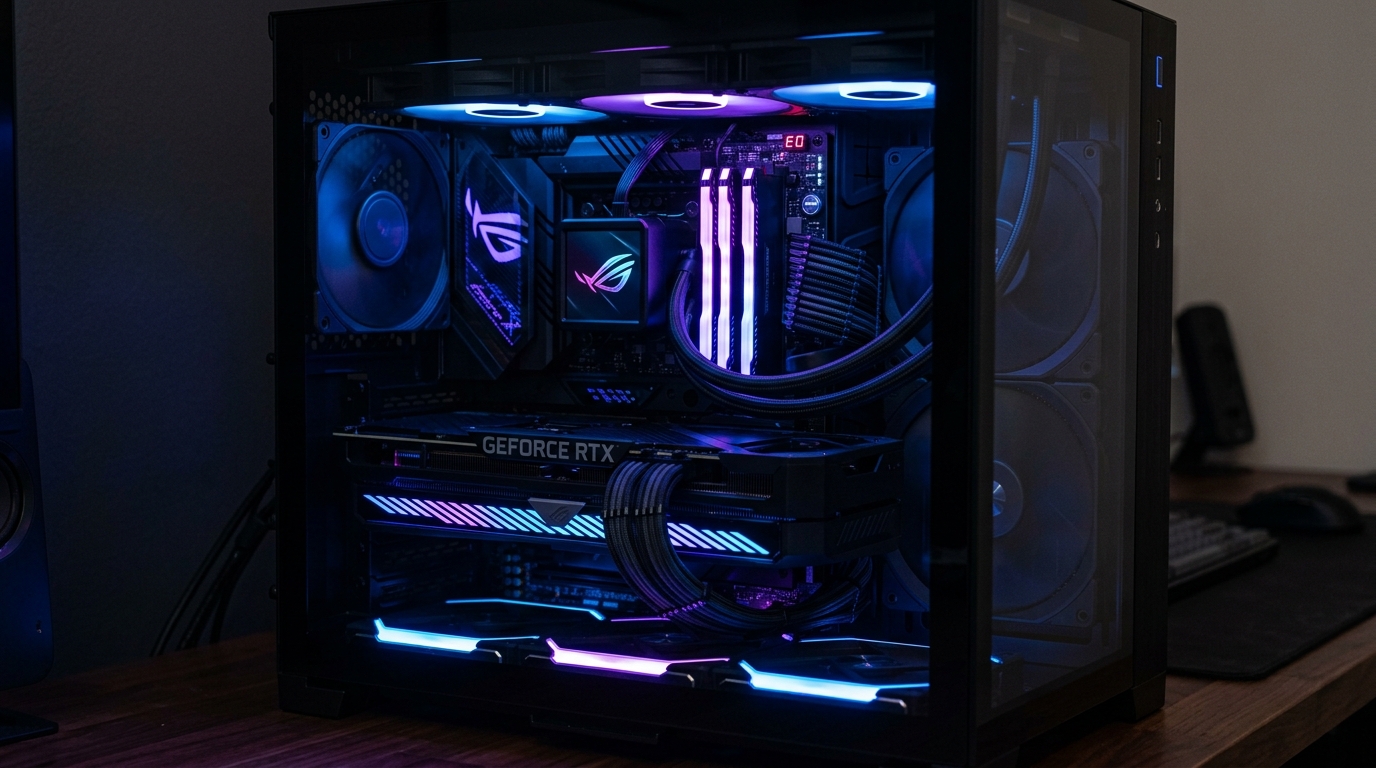 I ignored my PC's ventilation for about eight months. I knew the fans were getting louder, and I noticed games weren't running quite as smoothly, but I kept putting off the cleaning. When I finally opened my Fractal Design Meshify C and pulled the front filter out, it was basically a solid grey mat of compressed dust.
After a proper cleaning session, my GPU dropped from 83°C under load down to 74°C, and my CPU dropped by about 6°C at idle. The system went from sounding like a jet engine to being near-silent again. That's when I started taking case ventilation cleaning seriously.
This guide covers everything I've learned about doing it right: the tools you need, how different filter types work, the correct technique for fan cleaning, and how often you should actually be doing this.
Why Ventilation Cleaning Matters More Than You Think
Dust doesn't just look bad. It acts as a thermal insulator. When it coats your fans, it adds rotational drag and reduces airflow volume. When it packs into a mesh filter, it cuts down on how much cool air can enter the case in the first place. When it settles on heatsink fins, it traps heat exactly where you need it to escape.
The result is a slow, gradual temperature creep. Most people don't notice it happening because it builds over weeks and months. But if your machine has gone more than three months without a cleaning, you can realistically expect 5°C to 10°C improvements just from clearing the intake filters and fans.
Tools You Need
You don't need to spend much. Grab a can of compressed air (or an electric air duster if you do this often), a soft-bristle paintbrush to loosen stuck dust, and some microfiber cloths. Have some 90%+ isopropyl alcohol on hand for grime, and keep a few cotton swabs or toothpicks nearby for tight corners.
Understanding Your Dust Filters
Different cases use different filter systems, and each type needs slightly different handling.
Magnetic filters (like on the be quiet! Pure Base 500DX) are the easiest. Just pull them off, rinse them under warm running water in the sink, and let them dry completely before reinstalling. Push-in or slide-out filters (common on NZXT and Corsair cases) work the same way — pull them out, rinse them off, and let them dry for at least an hour.
If your case has non-removable integrated mesh (like some budget Cooler Master cases), you have to blow compressed air from the inside out so the dust exits the case instead of packing deeper in.
If your filters are just lightly dusty, a dry brush or compressed air is fine. But if they're heavily caked, especially with pet hair, water washing is the only way to get the embedded debris out.
Fan Cleaning: The Held-Blade Technique
This is the part most people get wrong. If you blast a fan with compressed air without holding the blades still, the fan will spin out of control. This can damage the fan bearing and actually send a voltage spike back into your motherboard.
Always hold each fan blade individually while you clean it, or wedge a cotton swab handle between the blades. Keep the compressed air can upright (so it doesn't spray liquid), and use short 1-2 second bursts. Work from the center hub out to the blade tips.
GPU Area: Intake vs Exhaust
The GPU has two distinct cleaning zones. The intake fans at the bottom get actively coated in dust as they pull air in. Use the held-blade technique on these fans, and blow short air bursts up through the heatsink fins.
The exhaust side at the top and rear of the card collects lighter, fluffier dust. A quick brush and light compressed air is usually enough here. Don't forget to check the display ports on the back — you can clear dust out of those pin cavities with a dry toothpick.
Top Radiator Filter Maintenance
If you have a top-mounted AIO liquid cooler radiator pushing air out, the top filter takes a beating. Warm air naturally rises, but the top of the case also collects airborne dust settling from the room.
Clean this top filter every time you do the front ones. A heavily clogged top filter on an AIO exhaust setup can trap hot air and raise your liquid temperatures by several degrees.
How Often Should You Clean?
It depends entirely on your environment. In a clean office with no pets and hard floors, you can get away with every 4 to 6 months. If you have carpet, bump that to every 2 months.
Pet owners have it the worst. If you have a cat or dog, you should be checking your filters every 4 to 6 weeks. If you have multiple pets that shed, you might need to wipe the front filter every 2 weeks. Cigarette smoke is also brutal — it creates a sticky residue that bonds with dust, requiring a full wash every few weeks.
The Quick Step-by-Step Procedure
- Unplug the PC completely.
- Remove side panels and all dust filters.
- Take everything outside or to a garage if possible.
- Clean the case fans and GPU fans, remembering to hold the blades still.
- Blow out the CPU cooler fin stack.
- Rinse the dust filters under warm water and let them dry completely.
- Wipe the case frame with a dry microfiber cloth.
- Reinstall the dry filters, plug it in, and enjoy your lower temperatures and quieter fans.
Related Guides
← Back to home