Performance2026-09-15
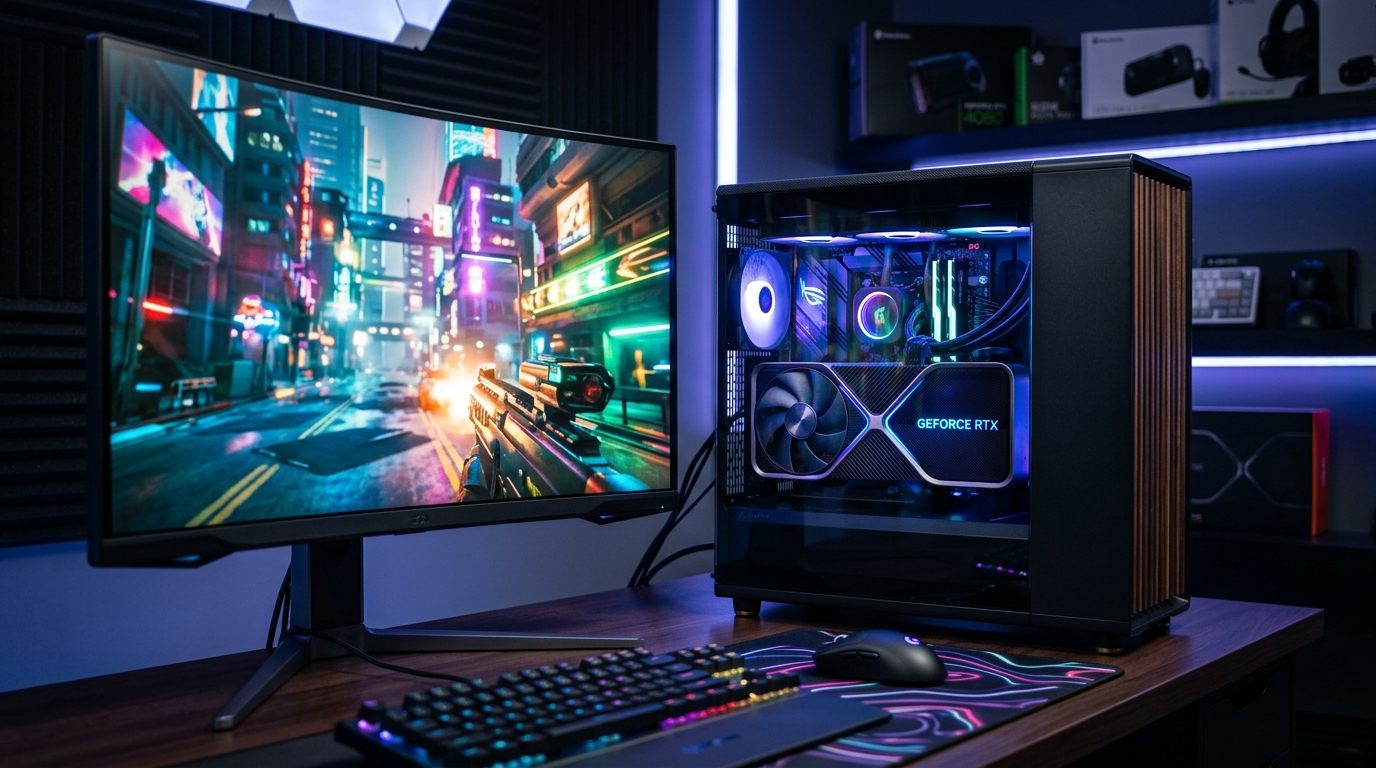
Why High-End Gaming PCs Keep Stuttering on Windows 11: The Default Security Feature Silently Killing Your 1% Lows
Your $2,000 gaming rig stutters every 15 seconds and you can't figure out why. We traced it to a Windows 11 default setting that tanks 1% lows while barely touching average FPS.
Windows2026-08-13
How to Check Your PC's Full Specs Without Installing Anything
Learn how to find your computer specs using built-in Windows tools. Check CPU, RAM, GPU, and storage details without downloading anything.
Storage2026-08-12
SSD vs HDD: Which Should You Buy in 2026?
The complete 2026 guide to choosing between an SSD and an HDD for gaming, video editing, mass storage, and everyday PC use.
Windows2026-08-11
How to Free Up Disk Space on Windows Without Deleting Your Files
Running out of storage? Learn how to safely free up gigabytes of disk space on Windows 11 by clearing hidden caches, temp files, and system bloat.
Displays2026-08-10
How to Connect Two Monitors to a Laptop
A complete guide to setting up dual external monitors on any Windows laptop or MacBook, explaining ports, hubs, and common display issues.
Motherboards2026-08-10
Best Motherboard for RTX 4070: What Matters Most
Choose the best motherboard for an RTX 4070 build by focusing on PCIe bandwidth, VRM quality, connectivity, and upgrade flexibility.
Memory2026-08-09
What Does RAM Actually Do in a Computer?
A clear, non-technical explanation of what RAM (Random Access Memory) actually does, why your computer needs it, and how much you really need.
Displays2026-08-09
Best Monitor for Work and Gaming: What to Choose
Pick the best monitor for work and gaming by balancing refresh rate, panel quality, resolution, and ergonomic value for everyday use.
Windows2026-08-08
How to Speed Up a Slow Windows 11 PC in Under 30 Minutes
A practical, no-nonsense guide to speeding up a laggy Windows 11 computer. Covers startup app pruning, telemetry, visual effects, power plans, storage sense, and indexing fixes.
Windows2026-08-08
How to Fix High CPU Usage on Windows
A practical guide to diagnosing and fixing high CPU usage on Windows with steps that target background apps, drivers, and system settings.
Gaming2026-08-07
How to Check If Your PC Can Run a Game Before You Buy It
Quickly check if your PC can run a specific game without guessing. Compare your specs to requirements using free built-in tools.
Memory2026-08-07
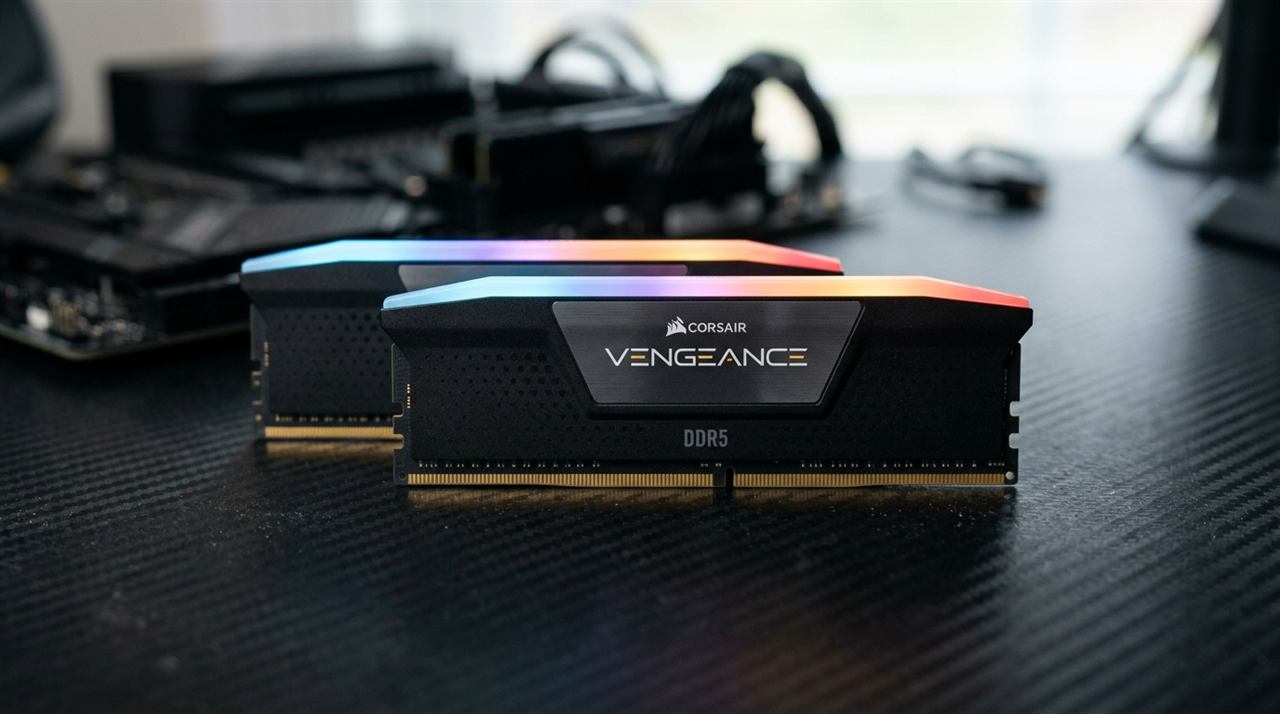
Best RAM for Ryzen 7000: Speeds, Timings, EXPO, and Architecture Explained
The complete guide to choosing the best RAM for AMD Ryzen 7000 and 9000 AM5 processors. Covers 6000 CL30 sweet spot, UCLK 1:1 ratio, Memory Context Restore, and top kits.
 Zyrox
Zyrox