 Zyrox
ZyroxBest Monitor for Work and Gaming: What to Choose
Pick the best monitor for work and gaming by balancing refresh rate, panel quality, resolution, and ergonomic value for everyday use.
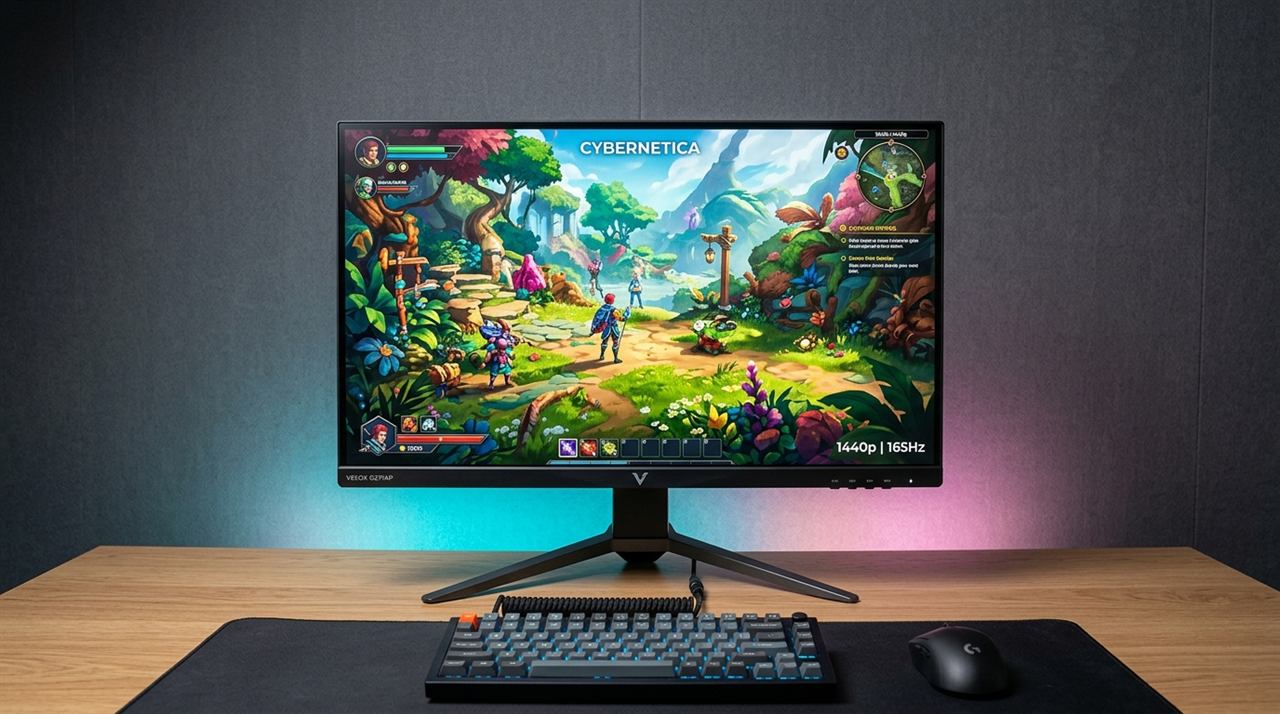 Finding a screen that actually works for both eight hours of spreadsheets and a late-night gaming session is surprisingly frustrating. My old setup was a total mess: I had a fast TN panel for games that made colors look completely washed out, sitting next to a slow 60Hz IPS panel for photo editing. Moving windows between them was jarring, and neither monitor felt quite right.
You don't have to compromise like that anymore. The arrival of high-refresh Fast IPS panels at reasonable prices—paired with productivity features like built-in KVM switches—means a single screen can comfortably handle your work laptop by day and your gaming desktop by night. But monitor marketing is packed with traps, so here is what actually matters when buying a dual-use display.
1440p vs 4K: Don't Auto-Buy 4K
This is the first real fork in the road. It's so easy to just assume "higher is always better" and grab a 4K screen, but that can seriously backfire.
1440p (2560x1440) is the practical sweet spot for most hybrid setups right now. At 27 inches—the standard size in this category—1440p gives you roughly 109 PPI (pixels per inch). That's sharp enough for crisp text rendering and detailed spreadsheet work, but it doesn't demand extreme GPU horsepower for gaming. A mid-range GPU can easily push 120–165 FPS in modern titles at 1440p.
4K (3840x2160) at 27 or 32 inches looks razor-sharp for typography and timeline editing. The catch? To run demanding games at 4K/144Hz, you need an RTX 4080 or better. If you primarily edit high-res video or work with dense vector graphics and only game casually, 4K makes sense. But for someone who wants fluid, high-frame-rate gaming without spending $1,200 on a graphics card, 1440p is the smarter, more economical choice.
IPS vs VA Panels: Why It Matters for Work and Play
Panel tech completely dictates how a screen looks in your office and how it performs in games:
- Fast IPS Panels: Offer wide 178° viewing angles, uniform color calibration, and rapid pixel transitions across all color shades. In productivity, IPS ensures that spreadsheet cells and Photoshop canvases look identical whether you're sitting upright or leaning back. In gaming, Fast IPS eliminates smeary trails behind fast targets. The only weakness is modest contrast (typically 1000:1 to 1200:1), meaning dark rooms produce slightly grayish blacks.
- VA Panels: Boast deep native contrast ratios (3000:1 to 4000:1), making dark scenes in movies and horror games look immersive. However, budget VA panels suffer from two major flaws for work setups:
- Black Smearing: Slow dark-to-light pixel response times cause black text to leave noticeable blurry trails when scrolling web pages or code in dark mode.
- Curve Distortion: Most VA monitors are curved (1500R or 1800R) to compensate for poor off-axis viewing angles. In office work, a curved screen distorts straight architectural lines, financial tables, and CAD designs.
For a true 50/50 work and gaming hybrid, a flat Fast IPS panel is overwhelmingly the safer, cleaner choice.
The Hybrid Superpower: Built-in KVM Switches and USB-C Docking
If you work from home with an employer-issued laptop but game on a dedicated desktop PC, this is the single most valuable feature you can buy.
A monitor with a built-in KVM (Keyboard, Video, Mouse) switch lets you plug your mouse and keyboard directly into the USB ports on the monitor.
- You connect your gaming PC via DisplayPort + USB-B upstream cable.
- You connect your work laptop via a single USB-C cable.
When you press the physical KVM button on the monitor, the screen instantly switches both your display signal AND your keyboard and mouse from your laptop to your gaming rig. There is no need for external docking stations, loose USB cables, or HDMI splitters. Look for monitors offering at least 15W to 65W Power Delivery (PD) over USB-C to keep your laptop charged while docked.
Does 240Hz Actually Matter for Work?
Short answer: no, but high refresh rates still transform everyday productivity.
60Hz is fine for static text, but scrolling through dense PDFs or moving multi-column spreadsheets at 60Hz feels visibly choppy compared to 144Hz+. Once your eyes adjust to a high-refresh display, navigating your desktop and moving browser windows feels immediately more responsive and causes noticeably less visual fatigue over an 8-hour workday.
For a hybrid setup, target 165Hz to 180Hz. It covers virtually every competitive game genre, makes desktop navigation buttery smooth, and comes at zero price premium over older 144Hz models today. 240Hz and 360Hz are only essential for dedicated esports players.
The "1ms Response Time" Marketing Trap: GtG vs MPRT
You will see "1ms Response Time" printed on almost every gaming monitor box. Manufacturers use two completely different metrics to market panels:
- GtG (Gray-to-Gray): Measures the actual physical time it takes a liquid crystal pixel to transition between shades. Quality Fast IPS panels sit natively around 3.5ms to 5ms GtG. To claim "1ms GtG", manufacturers enable an extreme pixel overdrive mode in the OSD menu. In the real world, maximum overdrive causes aggressive inverse ghosting (pixel overshoot)—a distracting bright corona halo behind moving objects that makes text unreadable and games look jittery.
- MPRT (Moving Picture Response Time): This measures perceived persistence using backlight strobing (Black Frame Insertion). A 5ms panel can claim "1ms MPRT" because the LED backlight strobes off between frames. The problem? Strobing cuts panel brightness by roughly 40–50% and usually disables FreeSync / G-Sync adaptive refresh rates, inducing eye strain in productivity tasks.
For a hybrid setup, set pixel overdrive to its Normal or Fast setting (avoid "Extreme"), keep backlight strobing off, and rely on native GtG performance.
Ignore the "HDR400" Sticker
Most midrange monitors between $250 and $450 advertise "HDR" with a VESA DisplayHDR 400 badge. This simply means the panel can reach 400 nits of momentary peak brightness; it does not indicate genuine HDR capability.
Without mini-LED local dimming zones or self-emissive OLED pixels, an edge-lit IPS panel running HDR400 will brighten the entire backlight simultaneously, washing out black levels and ruining color accuracy. Leave HDR disabled in Windows settings for these monitors and run them in calibrated SDR mode.
The OLED Temptation: Why Remote Workers Should Be Cautious
With 27-inch 1440p and 32-inch 4K OLED monitors dropping in price, many professionals ask: Should I just buy an OLED for both work and gaming?
While OLED delivers unmatched 0.03ms pixel response times and true infinite contrast in games, it presents two distinct friction points for full-time desktop office work:
- Text Clarity and Subpixel Fringing: Windows ClearType font smoothing is designed for standard vertical RGB stripe subpixel layouts. Many OLED panels use triangular QD-OLED or WOLED subpixel layouts. On fine black-on-white text (Word, Slack, IDE code editors), this can produce faint colored fringes along character edges, leading to eye strain.
- Burn-In from Static Elements & ABL: Running 8 hours a day with static taskbars, browser tabs, and Excel ribbons causes uneven diode wear over time. Furthermore, modern OLEDs employ an ABL (Auto Brightness Limiter): if you maximize a full-screen white document or web browser, the screen will automatically dim itself to conserve power and protect the panel, which is frustrating during workday reading.
For a true 50/50 work and gaming hybrid, a quality Fast IPS display remains the most versatile, burn-in-immune daily driver.
Top Monitors Recommended for Work and Gaming
1. Gigabyte M27Q (Rev 2.0) / M27Q X
The undisputed champion of work-and-play setups. The built-in physical KVM switch lets you toggle your keyboard, mouse, and display between your work laptop and gaming PC with a single button press. Rev 2.0 features a standard RGB subpixel layout for flawless text rendering in spreadsheets and programming IDEs.
2. LG UltraGear 27GS85Q-B / 27GP850-B
The motion-clarity benchmark. LG's Fast Nano IPS panel delivers top-tier pixel response times with virtually zero ghosting, backed by factory-calibrated color accuracy for photo and video creation. If your setup uses a desktop PC exclusively and doesn't require a laptop KVM switch, this is the gold standard.
3. ASUS ROG Strix XG27ACS
A brilliant modern design for hybrid desks. Features a dedicated USB-C port for clean laptop docking, 180Hz refresh rate, and an integrated smartphone groove in the base for monitoring Slack/Teams notifications while working or gaming.
Don't Forget About the Stand!
A monitor's ergonomic stand determines how comfortable your neck is eight hours into a workday. Look for height adjustment (at least 100mm to 130mm of travel) so the top third of the panel sits at natural eye level. If a monitor you love has a fixed tilt-only stand, verify it features standard VESA 100x100 mounting holes on the back so you can mount an aftermarket desk arm later.
The perfect hybrid monitor doesn't require thousands of dollars: a quality $250–$350 Fast IPS screen with a KVM switch or USB-C dock comfortably powers a Zoom meeting at 2 PM and a 180Hz competitive shooter at 10 PM.
Related Guides
← Back to home