 Zyrox
ZyroxWhat to Look for in a Midrange Monitor
Choose a midrange monitor that balances image quality, refresh rate, and value without paying flagship prices. Practical buying guide.
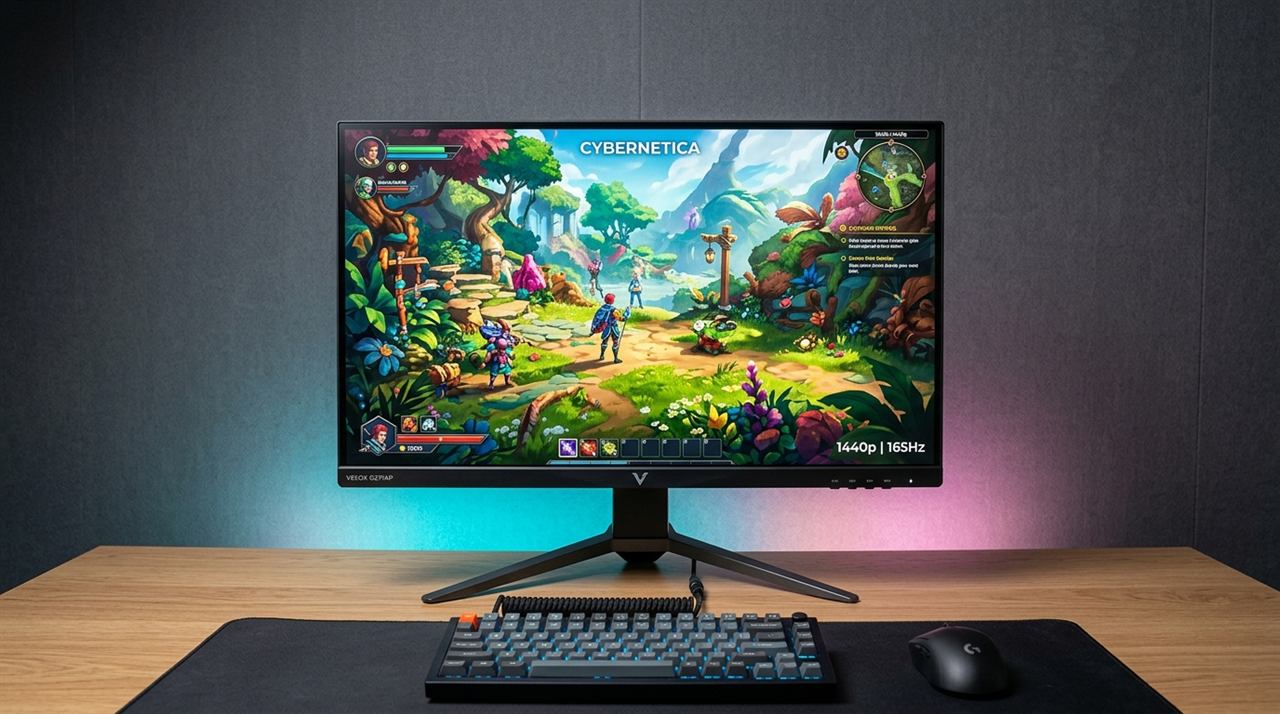 The midrange monitor market is quietly one of the best places to spend money in a PC setup. It rarely generates the breathless reviews that flagship OLEDs get, but dollar for dollar, a well-chosen $250 to $400 monitor often makes a bigger difference to your daily experience than a RAM upgrade or a faster SSD. The options at this tier have genuinely gotten excellent.
The challenge is that marketing language at this price point is aggressive and often misleading. HDR400 badges, vague response time claims, and inflated refresh rate numbers are designed to make one box look better than another. Let's cut through that and focus on what actually matters.
Defining the Sweet Spot: $200 to $450
When I say midrange, I mean monitors that sell between $200 and $450. Below $200, you are mostly looking at 1080p 75Hz IPS panels or older VA tech with mediocre build quality. Above $450, you start entering true HDR or OLED territory.
The sweet spot — roughly $250 to $350 — gets you a 27-inch 1440p IPS panel with a 144Hz to 165Hz refresh rate, decent color coverage, and an ergonomic stand. These are the monitors I spend the most time recommending.
Resolution: Why 27 Inches Needs 1440p
At 24 inches, a 1080p panel delivers about 91 pixels per inch, which is perfectly readable for most people sitting at a normal desk distance. But stretch that same 1080p resolution across a 27-inch screen, and pixel density drops to 82 PPI. Text edges become fuzzy, and fine details in games look slightly smeared.
1440p at 27 inches hits 109 PPI, which is the baseline I recommend for this size. It makes text crisp, games look genuinely sharp, and the jump from a 24-inch 1080p monitor is immediately satisfying. If you're buying 27 inches, get 1440p. If your budget is incredibly tight and you must stay under $200, stick to 24 inches for 1080p gaming.
IPS vs VA: Real Differences at This Price Tier
Panel technology matters, and the difference between IPS and VA is something you will feel daily.
IPS (In-Plane Switching) panels offer consistent, accurate colors across wide viewing angles. If you shift in your chair, the colors don't wash out. They also tend to have better factory color accuracy. The weakness is contrast — typical ratios sit around 1000:1, which means dark scenes in games or movies look somewhat grey rather than truly deep black.
VA (Vertical Alignment) panels have dramatically better contrast, often 3000:1 or more. Dark scenes look genuinely atmospheric. The tradeoff is smearing on fast-moving content (ghosting) and slightly worse color accuracy out of the box.
For the $200 to $450 range, IPS is usually the better choice for most people because the smearing on VA panels can be genuinely annoying in fast-paced games, and the color consistency of IPS is better for mixed work-and-play use. If you primarily watch movies or play slower-paced RPGs, a good VA monitor is a worthwhile alternative.
Refresh Rates: 144Hz, 165Hz, and Modern 180Hz Panels
Let's clear up the refresh rate confusion. The difference between 144Hz and 165Hz is essentially imperceptible in blind testing.
In today's market, modern Fast IPS tooling has shifted the baseline: new budget and midrange panels now routinely ship with 180Hz native at the same $200–$300 price point where 144Hz used to sit.
The jump to 240Hz is a real and meaningful difference—but only if your graphics card and CPU can consistently produce 200+ frames per second. If you play competitive esports like Valorant, CS2, or Apex Legends, 240Hz reduces frame latency and motion blur. But if you play demanding AAA single-player games where your frame rate sits between 75 and 120 FPS, a 240Hz panel offers zero visual benefit over a 165Hz or 180Hz display.
Response Time and the HDR Marketing Mirage
Response time specs are highly misleading. Most boxes claim "1ms", but they measure it using MPRT (Moving Picture Response Time) by rapidly strobing the backlight, which cuts display brightness in half, causes subtle flicker, and usually disables variable refresh rate (G-Sync/FreeSync).
What you want to examine is true GtG (Gray-to-Gray) pixel transition time. A quality modern Fast IPS panel achieving real-world 3.5ms to 5ms GtG delivers fluid motion with zero overshoot artifacts. Look for independent lab tests (like RTINGS or Monitors Unboxed) that test overshoot and fall times rather than trusting the manufacturer's packaging badge.
As for HDR: let's be blunt. VESA DisplayHDR 400 certification in this price range is almost entirely marketing fluff. True High Dynamic Range requires peak brightness above 600–1,000 nits and local dimming (Mini-LED or OLED). HDR400 displays are edge-lit with no local dimming zones; enabling HDR simply blasts the entire backlight at max power, washing out contrast. For sub-$400 monitors, keep HDR disabled in Windows and enjoy calibrated SDR colors.
Standout Recommendations
There are a few monitors that consistently deliver top value in this bracket:
- LG UltraGear 27GS85Q-B / 27GP850-B (Around $260–$290): The definitive benchmark for 27-inch 1440p gaming. Fast Nano IPS technology delivers exceptional pixel response times, 180Hz refresh rate, 98% DCI-P3 wide color gamut, and an ergonomic stand with height, tilt, and pivot.
- Gigabyte M27Q (Rev 2.0) (Around $240–$270): Features 170Hz 1440p Fast IPS with an integrated hardware KVM switch and USB-C port, making it the best overall pick if you share your monitor between a work laptop and a gaming desktop.
- Dell S2722DGM (Around $200–$230): The budget contrast pick. Its curved VA panel provides deep 3000:1 contrast for immersive single-player games in dark rooms, though fast competitive shooters will notice mild dark-level ghosting compared to Fast IPS.
- AOC 24G4 (Under $150): If your budget is strictly under $200 and you need a high-refresh monitor for competitive gaming, stick to 24 inches for 1080p. The AOC 24G4 delivers a genuine 180Hz Fast IPS panel with sharp 92 PPI density, avoiding the pixelated 82 PPI smear of 27-inch 1080p screens.
Ergonomics Matter
If you spend four or more hours a day at the screen, an ergonomic stand matters. Look for at least 100mm to 130mm of height adjustment so you can align the top third of the screen to eye level. Tilt and swivel are essential, and VESA compatibility (100x100mm) is crucial if you ever want to mount the screen on an adjustable monitor arm later. Don't sacrifice neck posture for a slightly cheaper display with a fixed, wobbly plastic tilt-only stand.
Related Guides
← Back to home