 Zyrox
ZyroxWhat Actually Matters in a Gaming PC Build
Cut through PC marketing and learn which components actually affect frame rates, smoothness, and long-term upgrade value in gaming.
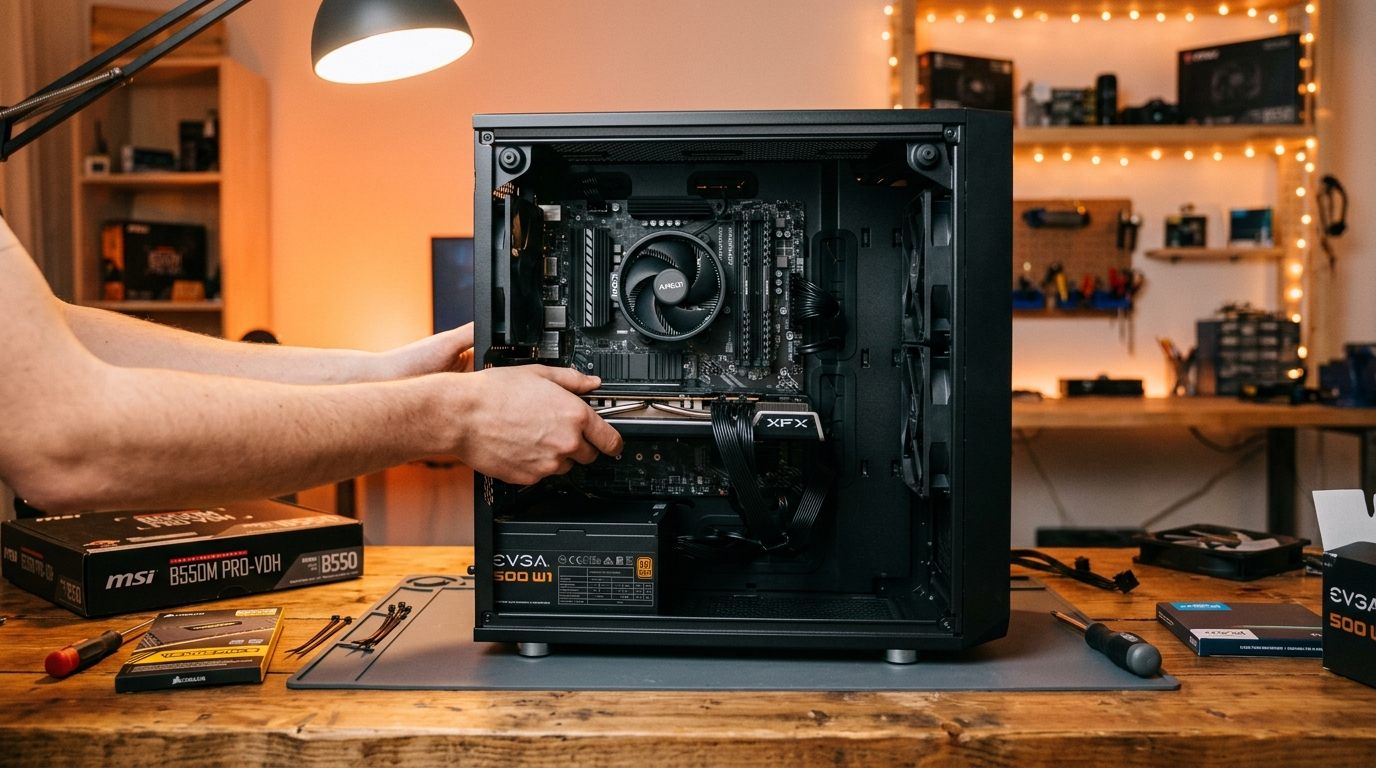 Every year I watch people spend their entire PC budget on the wrong thing. They buy a $400 processor for a gaming rig that needs a $400 GPU upgrade. They run 16GB of RAM at half its rated speed and wonder why the system stutters. They debate NVMe vs. SATA SSD for game loading when the real problem is that the graphics card is three generations old.
I've built gaming PCs at every price point and tracked performance data for years. What follows is what I've learned — stripped of marketing and anchored in real numbers.
Component Impact Ranking for Gaming
Not all components affect gaming performance equally. The GPU renders every frame and is the primary determinant of FPS. It sits at the top, no question. The CPU feeds the GPU and becomes critical at high frame rates and in CPU-heavy titles. RAM capacity is next — below 16GB causes stuttering, and 32GB is becoming the 2026 standard. Storage affects load times and shader compilation, and the SSD vs HDD gap is enormous, but the NVMe vs SATA gap is surprisingly small for gaming. RAM speed matters on AMD Ryzen platforms but is less impactful on Intel. CPU cooling affects sustained boost clocks. The motherboard and PSU matter for stability and features but rarely bottleneck gaming performance at mainstream tiers.
The GPU is the engine of a gaming PC. Everything else is infrastructure.
The Bottleneck Principle Explained
A bottleneck is the component that limits what another component can achieve. In gaming, the most common bottleneck is the GPU — because it does the heaviest work. If GPU load is at 100% and the CPU has headroom, you are GPU-bottlenecked. This is the desired state.
Imagine an RTX 4080 paired with an old Core i5-10400F. In Fortnite at 1080p with competitive settings, the engine pushes frame rates well above 200 FPS. At that rate, the CPU cannot process game logic fast enough. The GPU sits at 70% utilization while the CPU maxes out. Swap in a Core i7-13700K and the GPU climbs to 95%+ utilization, delivering 40 to 60 percent more FPS — not because the GPU changed, but because the CPU bottleneck was removed.
Now imagine an RTX 4070 with a Core i5-13600K at 1440p Ultra. The CPU has plenty of headroom. The GPU is at 98%. FPS is smooth. This is a well-matched system. The GPU is the limiter, which is exactly where you want the ceiling in a gaming context.
Diminishing Returns at Each Resolution
The diminishing returns curve is steep. The jump from a $200 GPU to a $350 GPU often delivers 40 to 50 percent more performance. The jump from $350 to $700 gives 30 to 40 percent more for twice the money.
At 1080p, the CPU matters more than at higher resolutions because frame rates are higher and the CPU has to keep up. A strong mid-range CPU is worth investing in. GPU returns are massive up to mid-range but high-end is overkill at this resolution.
At 1440p, the GPU dominates. CPU differences shrink because frame rates are lower and the GPU is working harder per frame. A mid-range CPU paired with the best GPU you can afford is the ideal formula.
At 4K, the GPU is everything. CPU differences are nearly invisible in most titles. Don't overspend on the processor for a 4K build — put every available dollar into the graphics card.
Why 32GB RAM Is Becoming the Standard
In 2020, 16GB was comfortable for gaming. In 2026, that's shifting. Modern games like Hogwarts Legacy and Microsoft Flight Simulator 2024 have been measured consuming 18 to 24GB of system RAM when running alongside Discord, a browser, and streaming software. Windows 11 itself claims 4 to 5GB just for the OS. Chrome with a dozen tabs can easily take 2 to 4GB.
The result is that a 16GB system doing "just gaming" with a few background apps frequently pushes 85 to 90 percent RAM utilization. At that level, Windows begins paging data to the storage drive, introducing latency and stuttering that no GPU upgrade will fix. A 32GB DDR5-6000 kit costs $70 to $100 in 2026. That is not an optional luxury — it is essential for a build that won't feel cramped within two years.
NVMe vs SATA SSD: Where It Matters (And Where It Doesn't)
A Gen 4 NVMe reads at around 7,000 MB/s versus 550 MB/s for a SATA SSD. That is a 12x difference on paper, but in traditional game loading screens, the difference is only 5 to 15 percent.
Why? Traditional game loading involves uncompressing files using the CPU, moving assets through system memory, and compiling shaders — none of which saturates a multi-gigabyte NVMe bus. In titles like Cyberpunk 2077 or Shadow of the Tomb Raider, a SATA SSD loads within 2 to 4 seconds of an NVMe drive.
However, the landscape is shifting with DirectStorage and Unreal Engine 5:
- In titles utilizing DirectStorage with GPU Decompression (such as Ratchet & Clank: Rift Apart), assets bypass the CPU and decompress directly into VRAM at 3–4 GB/s. A SATA drive will cause visible texture pop-in or micro-stutters during seamless world transitions.
- Next-gen engines utilizing virtualized geometry (like Unreal Engine 5's Nanite) stream high-poly mesh clusters on the fly as you turn the camera.
The bottom line: For existing builds, a SATA SSD is still viable for secondary storage. But for any new gaming build, a mainstream PCIe 4.0 NVMe drive (like the WD Blue SN580 or TeamGroup MP44L) costs virtually the same as a SATA SSD and future-proofs you for DirectStorage titles.
Why CPU Cooling Affects Sustained FPS
Modern CPUs have burst and sustained performance modes. In burst mode, the CPU can exceed its rated TDP significantly. In sustained mode during long gaming sessions, it drops back. If cooling is inadequate and the CPU reaches its thermal limit, it further reduces clock speed — thermal throttling.
In real gaming sessions lasting 30 to 60 minutes, a system with inadequate cooling delivers lower average FPS and worse frame time consistency than short benchmarks suggest. A $50 to $70 air cooler keeps most mainstream CPUs well within safe operating temperatures. That is a small investment for consistent performance over an actual gaming session.
Common Money-Wasting Mistakes
Overspending on a motherboard for a gaming build is rampant. A premium Z790 board with extra RGB doesn't improve FPS. A mid-range B650 or B760 with solid VRMs is all you need.
Buying DDR5-7600 when DDR5-6000 exists is burning money. The gaming performance gap is under 2 percent while the price gap can be 40 to 50 percent.
Running 16GB in single-channel mode (one stick instead of two matched sticks) halves your memory bandwidth. Always use matched pairs in the correct slots.
Prioritizing a fancy $150 AIO cooler over a better GPU is a misallocation. Spend that $150 on the graphics card and use a $40 air cooler.
And ignoring VRAM is a growing problem. In 2026, 8GB of VRAM is marginal for 1440p. Modern titles regularly exceed 8GB at 1440p Ultra. Budget for at least 12GB, preferably 16GB, for a multi-year build.
Related Guides
← Back to home