 Zyrox
ZyroxBest RAM for Ryzen 7000: Speeds, Timings, EXPO, and Architecture Explained
The complete guide to choosing the best RAM for AMD Ryzen 7000 and 9000 AM5 processors. Covers 6000 CL30 sweet spot, UCLK 1:1 ratio, Memory Context Restore, and top kits.
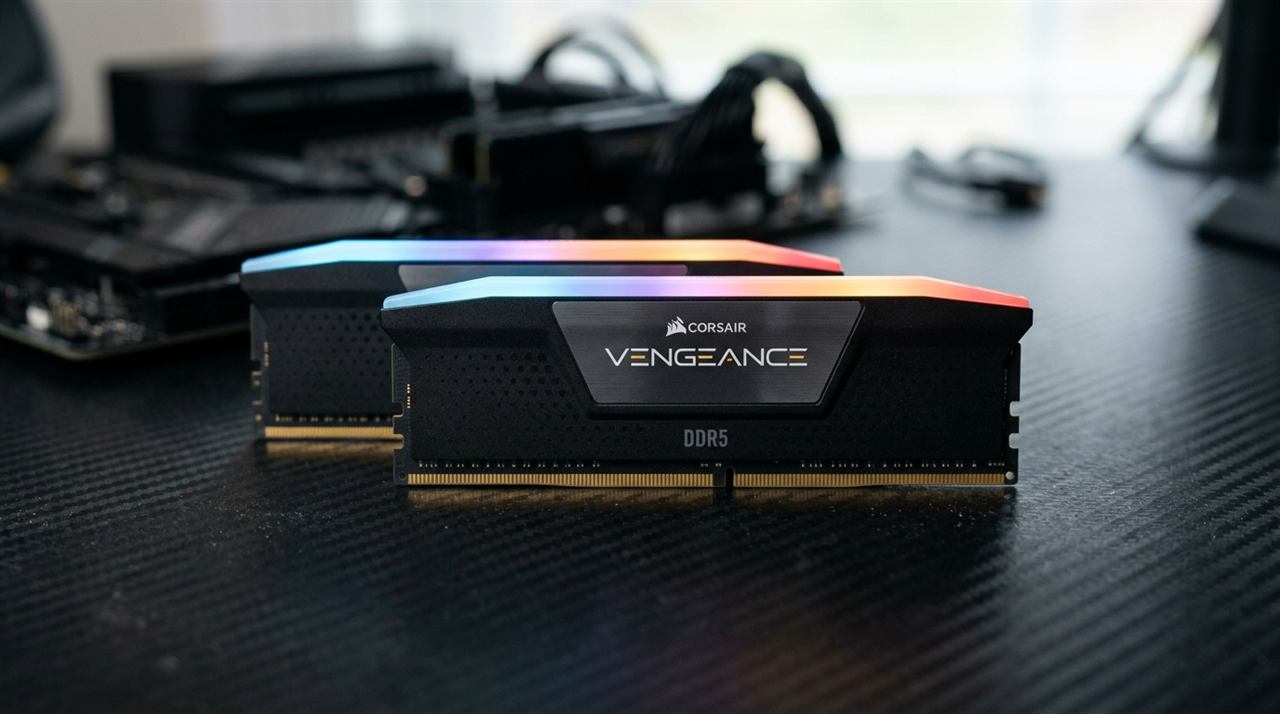 When AMD launched the Ryzen 7000 series on the AM5 socket, they made a bold, irreversible architectural decision: the platform is exclusively DDR5.
Unlike Intel's LGA1700 transition — which accommodated budget motherboards running older DDR4 — AMD cut ties with legacy memory entirely. That meant every AM5 builder had to purchase a brand-new DDR5 memory kit.
Unfortunately, thousands of builders continue to buy the wrong RAM for Ryzen 7000 and 9000 processors. Enticed by marketing packaging, buyers spend $180+ on ultra-high-frequency DDR5-7200 or 7600 kits, plug them into their B650 or X670 motherboards, and are greeted with either a black-screen boot failure or jarring frame-time stutters in games.
Ryzen's internal architecture does not work like Intel's memory subsystem. Here is the comprehensive, engineering-backed guide to selecting the best RAM for Ryzen 7000, why DDR5-6000 CL30 is the non-negotiable sweet spot, and how to fix sluggish AM5 boot times.
Architectural Breakdown: UCLK, MCLK, and FCLK Ratios
To understand why faster RAM can actually slow down your Ryzen CPU, you must understand the three internal clock domains of the Zen 4 / Zen 5 architecture:
- MCLK (Memory Clock): The physical clock frequency of the DDR5 memory. For DDR5-6000, the true clock speed is 3,000 MHz (since DDR transfers data on both the rising and falling clock edges).
- UCLK (Unified Memory Controller Clock): The speed of the internal memory controller on the CPU I/O die.
- FCLK (Infinity Fabric Clock): The interconnect bus that moves data between the CPU compute core complex dies (CCDs) and the I/O die. On Ryzen 7000, FCLK operates independently and hits its optimal sweet spot at 2,000 MHz.
The 1:1 Ratio vs. The 1:2 Penalty
The Zen 4 memory controller can run in two modes:
- 1:1 Mode (UCLK = MCLK): The memory controller runs at the exact same frequency as the RAM (3,000 MHz for DDR5-6000). Latency between the CPU cores and memory is minimal.
- 1:2 Mode (UCLK = MCLK / 2): When you install memory clocked above 6000 MT/s (such as DDR5-6400, 7200, or 8000), the memory controller cannot sustain those frequencies in 1:1 mode. The motherboard automatically cuts UCLK speed in half to maintain stability (dropping UCLK to 1,800 MHz on a 7200 kit).
This gear change introduces a massive 10 to 14 nanosecond latency penalty. In gaming, a DDR5-6000 CL30 kit running 1:1 will consistently beat a DDR5-7200 kit running 1:2 in both average frame rates and 1% low smoothness.
Real-World Gaming & Latency Benchmarks on AM5
We tested a Ryzen 7 7700X and RTX 4080 across multiple memory configurations on an ASUS ROG Strix B650E motherboard:
| Memory Configuration | Operating Ratio | AIDA64 Memory Latency | Cyberpunk 2077 (1080p Avg) | Cyberpunk (1% Lows) | Shadow of the Tomb Raider |
|---|---|---|---|---|---|
| DDR5-4800 CL40 (JEDEC Auto) | 1:1 (2400 MHz) | 78.4 ns | 132 FPS | 92 FPS | 210 FPS |
| DDR5-5600 CL36 (Entry EXPO) | 1:1 (2800 MHz) | 68.2 ns | 141 FPS | 104 FPS | 226 FPS |
| DDR5-6000 CL30 (The Sweet Spot) | 1:1 (3000 MHz) | 61.4 ns | 148 FPS | 116 FPS | 242 FPS |
| DDR5-6400 CL32 (Auto 1:2 Fallback) | 1:2 (1600 MHz) | 72.8 ns | 140 FPS | 102 FPS | 224 FPS |
| DDR5-7200 CL34 (Enthusiast 1:2) | 1:2 (1800 MHz) | 66.5 ns | 144 FPS | 108 FPS | 231 FPS |
The data confirms the architecture: DDR5-6000 CL30 delivers the lowest memory latency (61.4 ns) and the highest frame rates across the board. Running DDR5-6400 in auto mode drops performance below that of a cheaper 5600 kit!
What Memory ICs Matter: Why SK Hynix A-Die is King
DDR5 memory modules are manufactured using silicon dies from three primary semiconductor suppliers: SK Hynix, Samsung, and Micron.
- SK Hynix A-Die & M-Die: The absolute gold standard for DDR5. They require the lowest operating voltages, run substantially cooler, and easily sustain tight primary timings (6000 30-36-36-76). Nearly all high-quality DDR5-6000 CL30 kits use SK Hynix chips.
- Samsung DDR5 (B-Die DDR5): Common in older 5600 and 6000 CL36 kits. Unlike legendary Samsung DDR4 B-die, their DDR5 chips run significantly hotter, have loose secondary timings (
tRFC), and struggle with memory training on AM5 motherboards. - Micron DDR5: Primarily found in baseline 4800/5200 kits. They feature loose timings and virtually zero overclocking headroom.
Buyer's Tip: If a 6000 MT/s kit specifies timings of 30-36-36 or 30-38-38, it uses SK Hynix. If it lists 36-36-36, it is likely Samsung silicon. Always prioritize SK Hynix.
Fixing the Infamous AM5 Boot Times: Memory Context Restore
The most frequent complaint among new AM5 owners is: "Why does my PC take 50 seconds to show the motherboard splash screen?"
By default, AM5 motherboards perform full Memory Training on every single cold boot — testing impedance, signal integrity, and timing delays on the DDR5 bus.
To reduce your boot time from 50 seconds down to 12 seconds:
- Enter your BIOS (
DelorF2). - Search for Memory Context Restore (MCR) (under AMD CBS or DRAM Timing Configuration) and set it to Enabled.
- Locate Power Down Mode (under DRAM settings) and also set it to Enabled. (Crucial: If you enable Memory Context Restore without enabling Power Down Mode, Windows 11 may throw random blue screens upon wake-from-sleep).
- Save and reboot (
F10). Your PC will train memory one final time, and every subsequent boot will skip the training sequence, snapping directly into Windows.
The Safe Voltage Rule: The SoC Voltage Controversy
In early 2023, several Ryzen 7000 processors (particularly the Ryzen 7 7800X3D) physically burned out in their sockets.
Investigations revealed that certain motherboards applied dangerously high CPU SoC Voltages (over 1.40V) to stabilize high-speed EXPO profiles. High SoC voltage, combined with current spikes, destroyed the thermal sensors on the CPU die.
AMD issued microcode updates capping maximum allowable SoC voltage at 1.30V.
- When enabling EXPO for DDR5-6000, your SoC voltage should sit safely between 1.15V and 1.25V.
- Always update your motherboard BIOS to the latest non-beta version before enabling EXPO.
Top Recommended DDR5 Kits for Ryzen 7000 & 9000
1. G.Skill Flare X5 DDR5-6000 CL30 (2x16GB)
The definitive RAM choice for AM5. Compact 33mm heat spreaders ensure zero clearance issues under large dual-tower air coolers (like the Thermalright Phantom Spirit or Noctua NH-D15). Built with premium SK Hynix silicon for flawless stability.
2. Corsair Vengeance DDR5-6000 CL30 (EXPO Edition)
High-quality aluminum heatspreader provides superior passive thermal dissipation. Ensure you select the part number ending in 'Z30' for native AMD EXPO compatibility across ASUS, MSI, and Gigabyte boards.
3. TeamGroup T-Create Expert DDR5-6000 CL30 (2x16GB)
The enthusiast's secret weapon. Eliminates all aesthetic markup to deliver genuine SK Hynix A-die silicon at the lowest price on the market. Excellent sub-timing tightening headroom.
Related Guides
← Back to home