 Zyrox
ZyroxWhy RAM Speed Matters Less Than People Think (And What to Buy Instead)
Why paying for 7200MHz+ DDR5 is a waste of money for gaming and productivity. Real DDR5 gaming benchmarks, 1% low frame times, 4-DIMM stability traps, and sweet-spot recommendations.
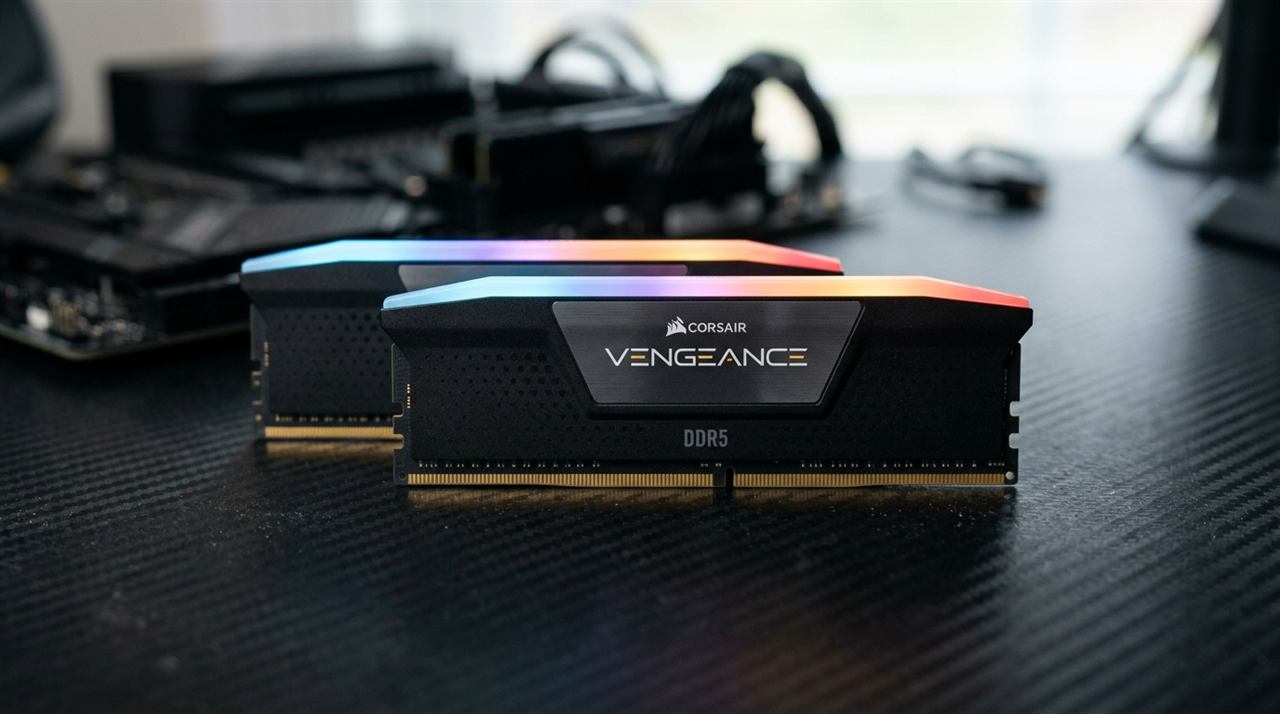 Every single week, I see PC builders on hardware forums agonizing over whether they should stick with a $110 kit of DDR5-6000 CL30 or splurge an extra $90 to $130 on an enthusiast DDR5-7600 or 8000 kit. They are terrified of leaving performance on the table, convinced by marketing slides that memory frequency is the secret sauce unlocking double-digit frame rate gains.
The truth is much more sobering: for the overwhelming majority of gamers and content creators, ultra-high-speed RAM is the worst return on investment in an entire PC build.
I have spent hundreds of hours benchmarking memory configurations across AMD AM4, AM5, and Intel LGA1700 platforms. When you strip away synthetic AIDA64 memory bandwidth charts and measure real games at actual playable resolutions, memory frequency rarely moves the needle.
Here is the real engineering breakdown of where memory speed matters, where it is a complete waste of money, and what you should actually prioritize when buying RAM.
Real-World Benchmarks: DDR5 Frequencies Compared
To understand why paying for premium frequency is flawed, look at real test numbers. Below are benchmarks conducted using an Intel Core i7-14700K paired with an NVIDIA RTX 4080 across multiple memory configurations:
| Configuration | 1080p Cyberpunk (Avg FPS) | 1080p Cyberpunk (1% Lows) | 1440p Avg FPS | 4K Avg FPS | 7-Zip Compression (MIPS) | Cost Premium |
|---|---|---|---|---|---|---|
| DDR5-4800 CL40 (JEDEC Baseline) | 134 FPS | 96 FPS | 114 FPS | 78 FPS | 142,000 | Baseline |
| DDR5-5600 CL36 (Standard OEM) | 142 FPS | 105 FPS | 117 FPS | 78 FPS | 154,000 | +$15 |
| DDR5-6000 CL30 (Sweet Spot) | 148 FPS | 114 FPS | 119 FPS | 79 FPS | 168,000 | +$30 |
| DDR5-7200 CL34 (Enthusiast) | 152 FPS | 117 FPS | 120 FPS | 79 FPS | 173,000 | +$110 |
| DDR5-8000 CL38 (Extreme) | 154 FPS | 119 FPS | 120 FPS | 79 FPS | 177,000 | +$190 |
The Two Critical Takeaways from the Data:
- The 1440p and 4K Flattening: At 1440p, jumping from DDR5-6000 ($110) to DDR5-8000 ($300) yielded exactly 1 single FPS (a 0.8% difference). At 4K, the difference was literally zero. Once the GPU becomes the primary bottleneck, memory bandwidth is almost completely irrelevant.
- The 1% Low Benefit Plateaus at 6000 CL30: Moving from loose baseline 4800 to tight 6000 CL30 substantially stabilizes frame pacing (jumping 1% lows from 96 to 114 FPS). But pushing beyond 6000 into exotic 7200+ territory yields diminishing returns so small you could never perceive them without an on-screen telemetry overlay.
The 3D V-Cache Factor: Why X3D Chips Care Even Less
If you are building with AMD's premier gaming CPUs — such as the Ryzen 7 7800X3D or Ryzen 7 9800X3D — RAM speed matters even less than on Intel.
AMD's X3D processors feature an enormous 64MB slice of SRAM stacked directly on top of the compute die, providing a massive 96MB of L3 cache.
- When a game engine requests data, it first checks the CPU cache (L1, L2, L3).
- Because 3D V-Cache holds so much instruction and physics data directly on-chip, cache "hit rates" exceed 80–90%.
- The CPU rarely needs to travel off-die across the motherboard traces to fetch data from system RAM.
Testing a 7800X3D with DDR5-5200 versus DDR5-6000 CL30 shows an average gaming variance of less than 2 to 3%. Spending $150 extra on cherry-picked B-die or A-die memory kits for an X3D system is money flushed down the drain.
Capacity Always Trumps Speed (16GB vs. 32GB)
If your budget gives you the choice between 16GB of ultra-fast 7200MHz RAM or 32GB of mainstream 6000MHz RAM, choose 32GB every single time.
Modern AAA games (Hogwarts Legacy, The Last of Us Part I, Star Wars Jedi: Survivor) routinely consume 14GB to 18GB of system memory. When you factor in Windows 11 background services, Discord, and a few browser tabs, a 16GB system runs completely out of physical headroom.
When physical RAM fills up, the OS begins swapping pages to the SSD pagefile. Even on a Gen4 NVMe drive running at 7,000 MB/s, SSD storage is hundreds of times slower than system memory with orders of magnitude higher latency. This causes violent, jarring 100ms stutter spikes and audio cutouts. 32GB of standard-speed RAM delivers a silky-smooth experience; 16GB of ultra-fast RAM will stutter regardless of its frequency.
The True Latency Formula: Frequency vs. Timings
Memory marketing focuses exclusively on mega-transfers per second (MT/s or MHz). But frequency is only half the equation; the other half is CAS Latency (CL).
To calculate the actual first-word access latency in nanoseconds:
True Latency (ns) = (CAS Latency ÷ Memory Frequency in MHz) × 2,000
Compare these configurations:
- DDR4-3200 CL16: (16 ÷ 3200) × 2,000 = 10.0 ns
- DDR4-3600 CL18: (18 ÷ 3600) × 2,000 = 10.0 ns
- DDR5-5200 CL40: (40 ÷ 5200) × 2,000 = 15.38 ns
- DDR5-6000 CL30: (30 ÷ 6000) × 2,000 = 10.0 ns
- DDR5-7200 CL36: (36 ÷ 7200) × 2,000 = 10.0 ns
Notice that a DDR5-6000 CL30 kit and a DDR5-7200 CL36 kit share the exact same 10-nanosecond access latency. The 7200 kit offers higher theoretical sequential bandwidth, but in latency-sensitive gaming tasks, the processor waits the exact same amount of time for initial data response.
The 4-DIMM DDR5 Stability Trap
Here is the biggest headache in modern PC building: do not buy 4 sticks of DDR5 if you want high speeds.
With older DDR4, running four sticks was trivial. On modern DDR5 platforms (both Intel Z790/Z890 and AMD AM5), the integrated memory controller (IMC) inside the CPU struggles immensely under the electrical capacitance of four dual-rank DIMMs.
- If you install a 2x16GB or 2x32GB kit in slots 2 and 4, enabling AMD EXPO or Intel XMP to hit 6000MHz is typically plug-and-play.
- If you install four sticks of DDR5, the motherboard will frequently fail to train memory at XMP speeds. To maintain stability, your system may automatically downclock the memory from 6000MHz down to 3600MHz or 4000MHz — significantly slower than two sticks!
If you need 64GB of RAM, buy a 2x32GB dual-channel kit, never a 4x16GB kit.
The Bottom-Line Buying Guide for 2026
When shopping for memory, follow these golden rules:
- For AMD AM5 (Ryzen 7000 / 9000): Buy 32GB (2x16GB) DDR5-6000 CL30 with AMD EXPO support. This matches the CPU's memory controller (UCLK:MCLK 1:1 ratio) natively.
- For Intel LGA1700 / LGA1851: Buy 32GB (2x16GB) DDR5-6000 CL30 or DDR5-6400 CL32. Going beyond 6400 yields negligible gaming gains while risking memory controller instability.
- Budget Allocation: If you have $100 extra in your PC build budget, do not spend it on faster RAM. Put that $100 toward stepping up from an RTX 4070 to an RTX 4070 Super, or getting a 2TB NVMe SSD instead of a 1TB drive. That hardware upgrade will deliver tangible, massive performance you can actually feel every day.
Related Guides
← Back to home